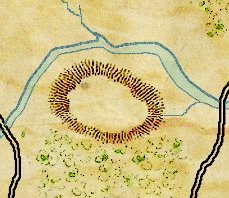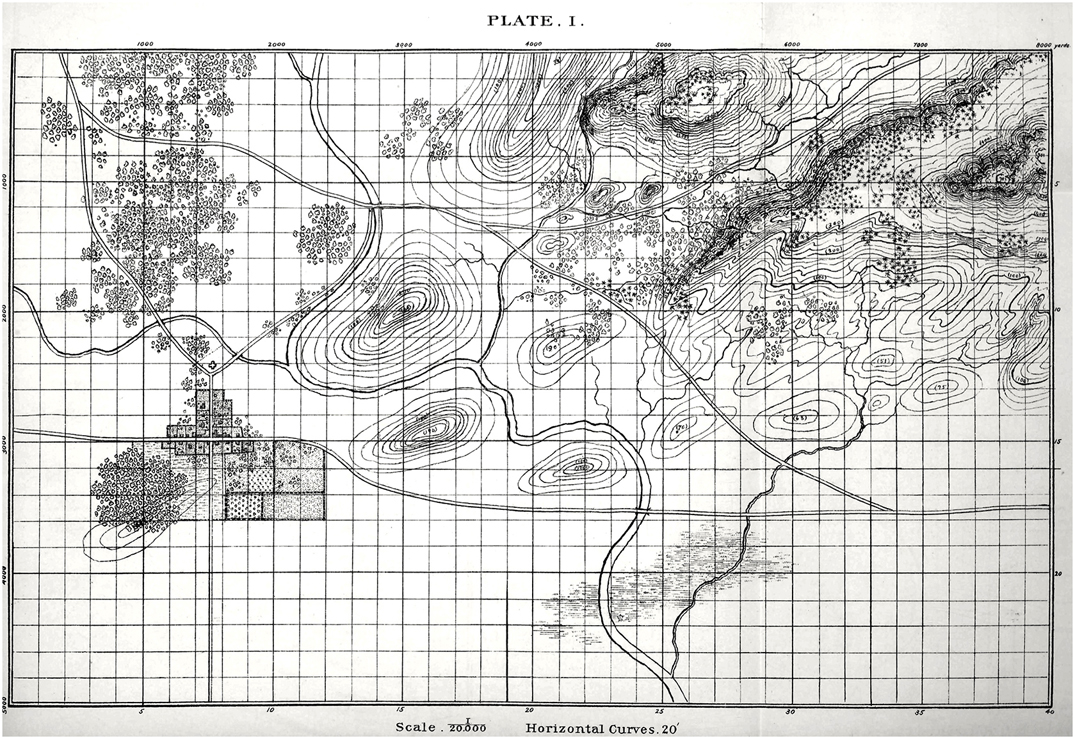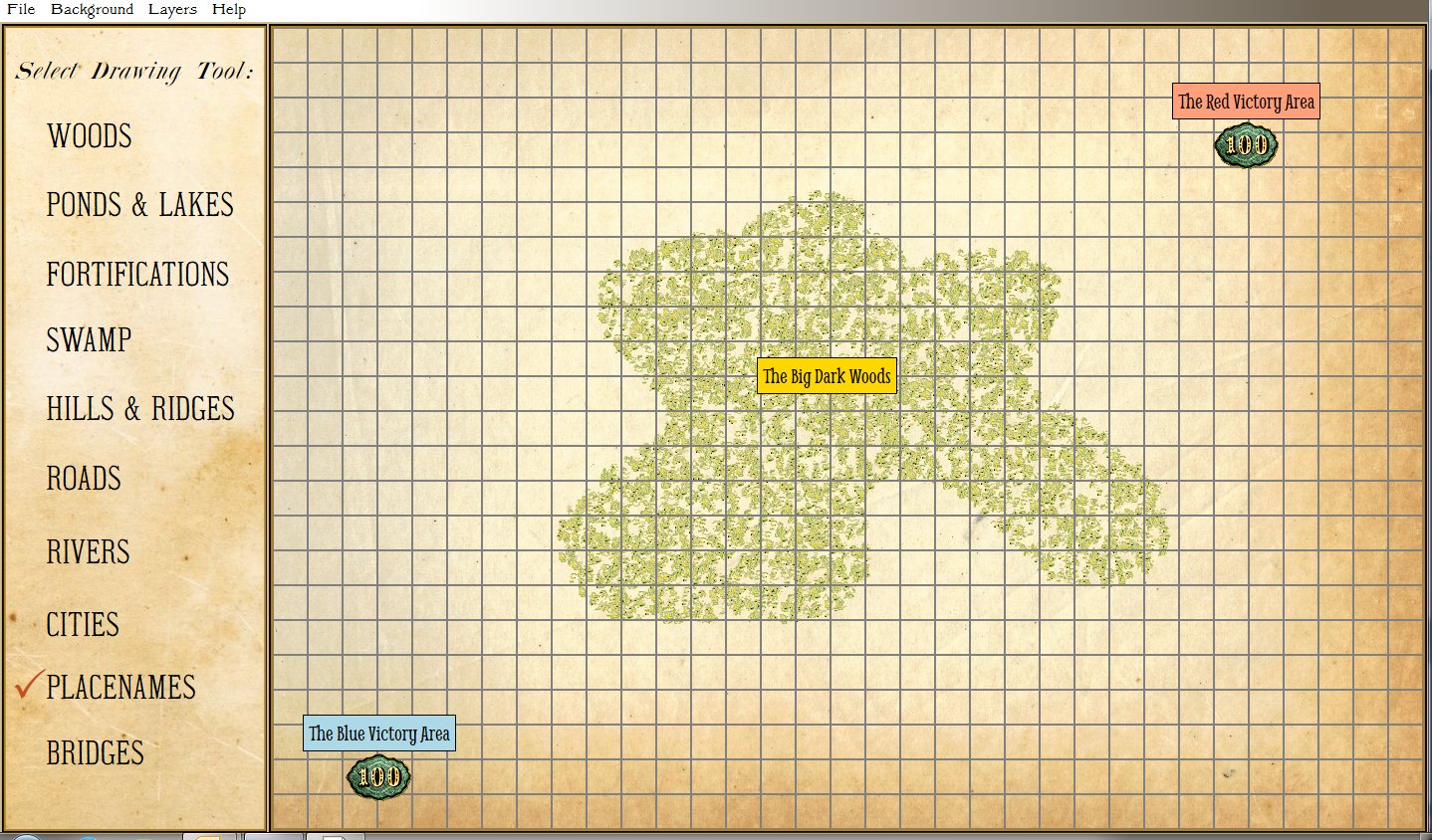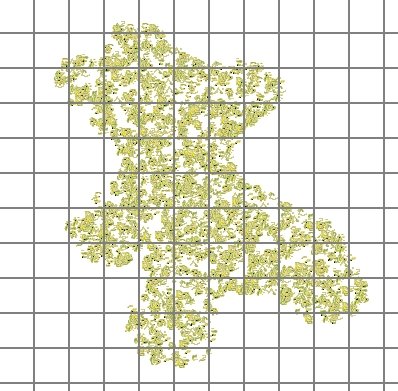
This is just a quick screen capture to show what the interface (or Graphical User Interface, or GUI) is for the Design Map Module of General Staff. Simply click on the pallet on the left and draw on the map. You can also select from a number of weathered paper effects for a background.
Update on the Map Design Module & a New Algorithm
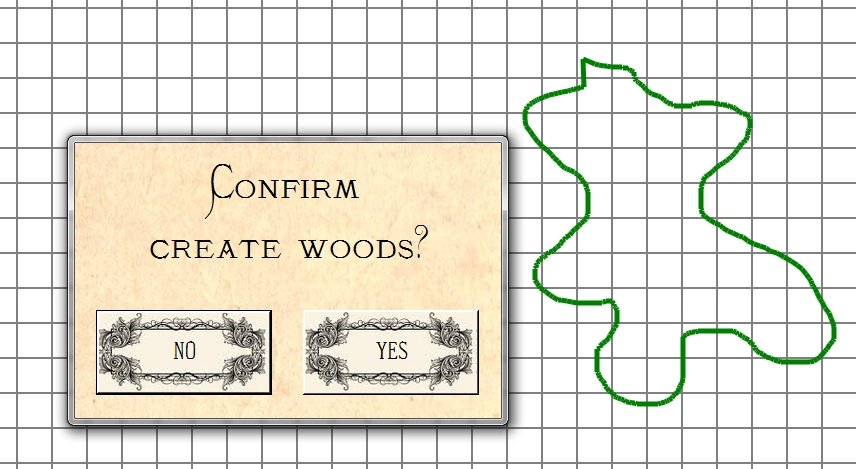
The work on the Map Design Module is progressing much faster than we dared hope. Along the way we had to invent a new fast scanline fill algorithm. The two images, below, are screen captures that show how easy it is to create new maps for General Staff. To create a new area of forest or woods, simply select the ‘Draw Woods’ tool and make an outline (the program will automatically connect your starting and end points):

Screen capture from General Staff Map Design Module showing the method for creating new woods and forests. Select the tool and draw on the map grid. Click to enlarge.
After the user confirms the position and shape of the new woods or forest the program automatically fills in the area with the appropriate 19th century map graphics (thanks Ed Isenberg who did the artwork!).

Screen capture from the General Staff Map Design Module showing a new woods added to a user created map. Click to enlarge.
For this to work quickly (it happens in just a second or two) we created a new scanfill algorithm. If we were still in academia we would probably write a paper describing the algorithm and submit it to various conferences. Ah, those were the days when you could get a free trip to an academic conference!
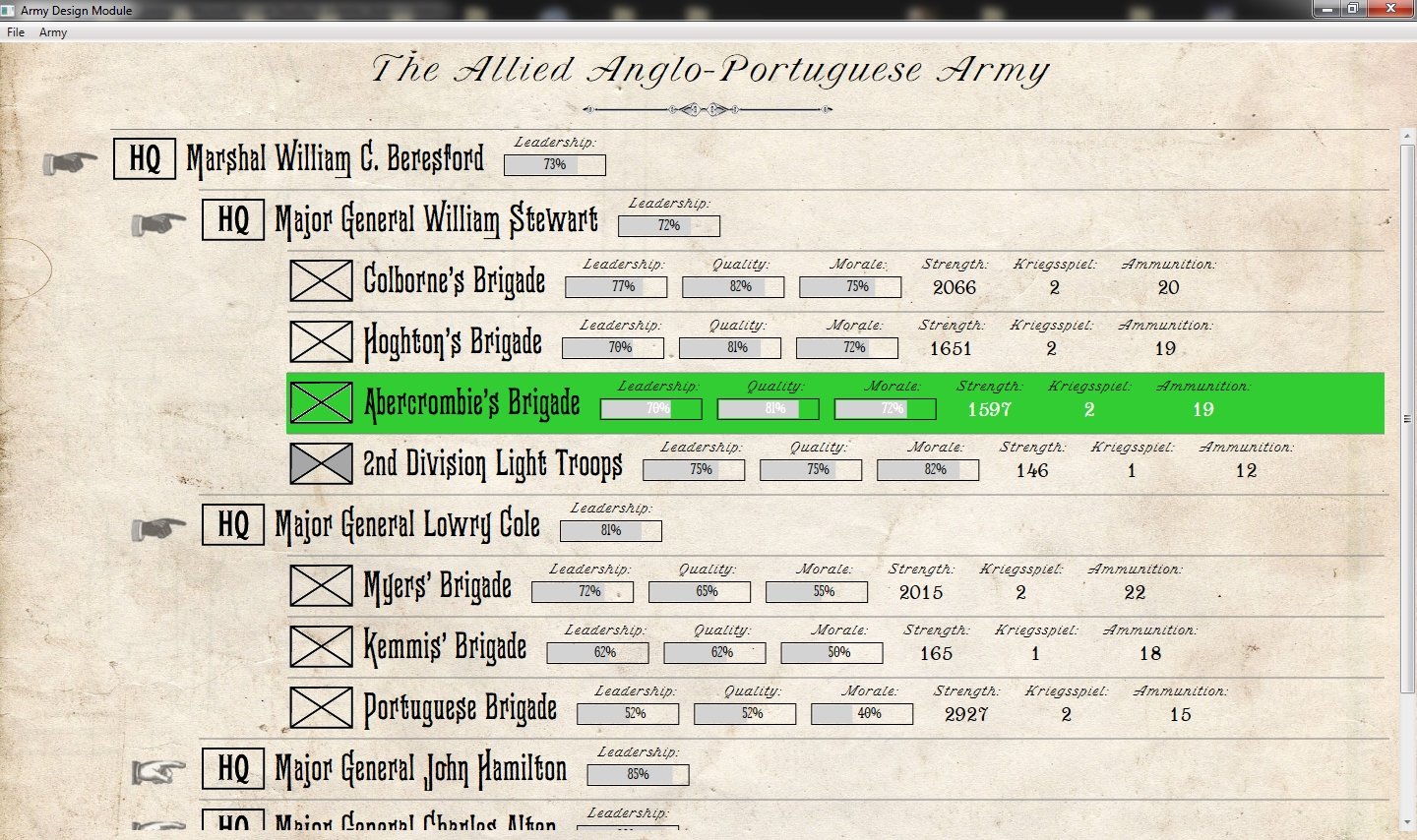
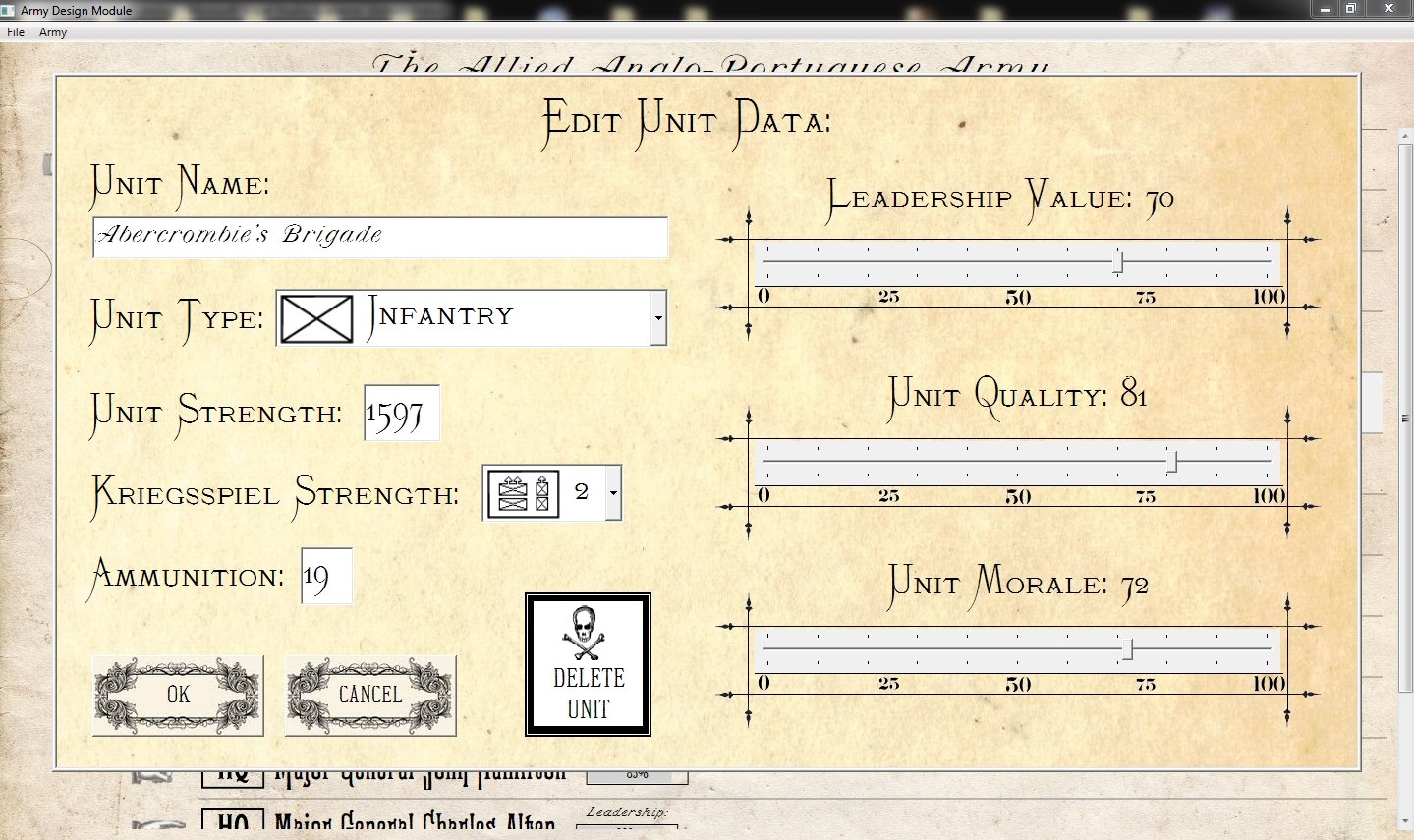
Order of Battle Table Screen Captures.
Even though it was fun to create, the YouTube video of the Order of Battle Table / Create Army Module for General Staff doesn’t have high enough resolution tho show the clear, sharp screen images that do it justice. Below are a couple of screen captures from the section of General Staff that allows users to create their own armies. We will next work on the Create Maps Module that allow users to design their own battlefields.
Video Describing the Order of Battle Table Creation Module!
We’ve dug back into the original Pathe news archives to find this old movie reel describing the new Order of Battle Table Creation / Create Army Module for General Staff. We hope you enjoy this treasure from the past!
Victorian Typography
Last week we ran a quick survey to get your opinion on the legibility of two Victorian typefaces (see here). The clear favorite was the font ‘Monastic’ garnering 73% of the votes. However, we also received numerous personal emails and comments from grognards that were also very fond of the Phectic font. The decision was made to go with Monastic but to use Phectic in a larger point size when appropriate.
Below is a screen shot of how we will be using Phectic:
Your comments were greatly appreciated (it was especially enjoyable to hear from a letterpress operator who fondly remembered metal type). The interactive Army Design Module is almost completed and we will be posting a video of it shortly.